Every journey, remembered
Record or import GPX routes, inspect speed, elevation and accuracy, then share the track or export an analysis report.
Available on Android · Version 1.4.0
GPSCurator turns your phone into a complete GPS toolkit for route recording, live telemetry, satellite diagnostics, signal monitoring and in-depth journey analysis.
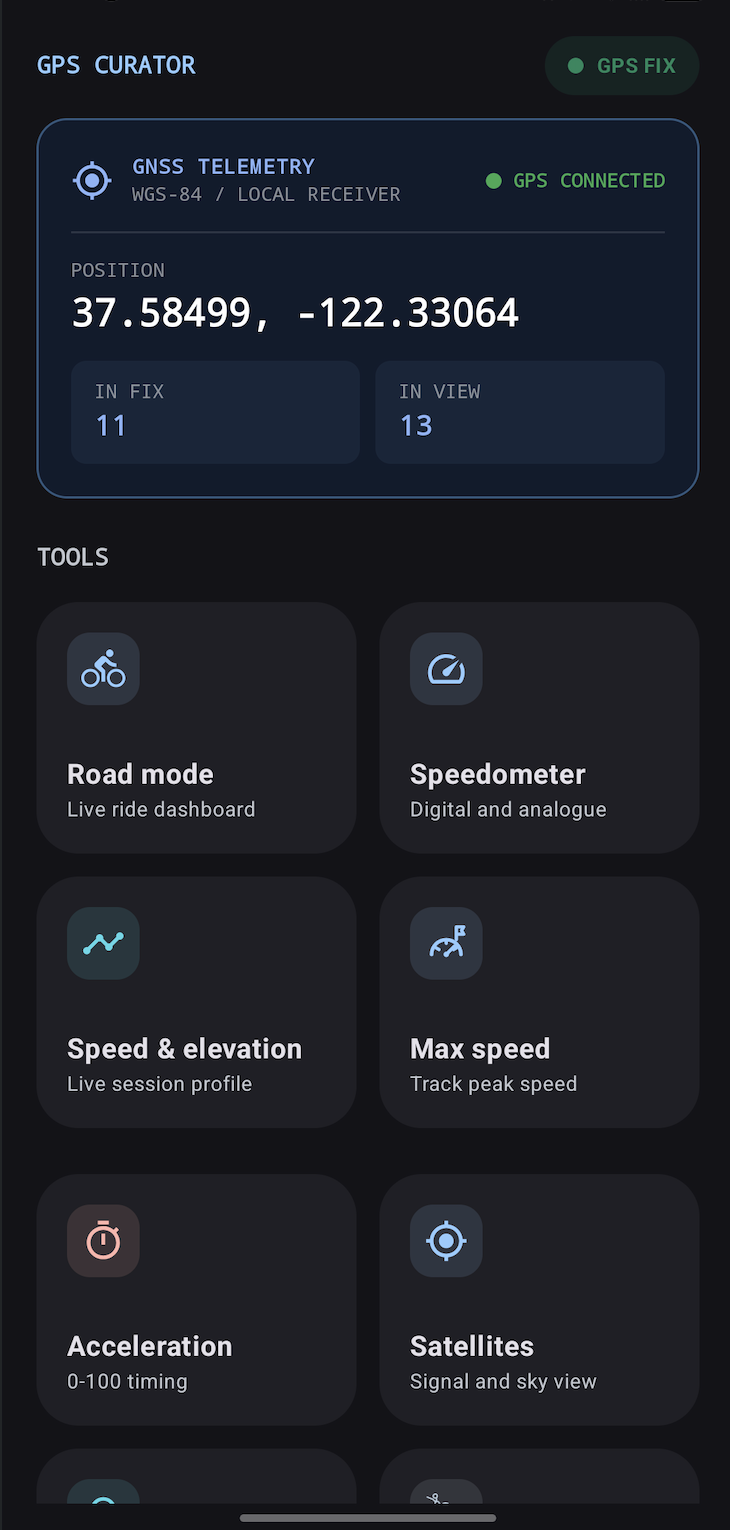
From the first recorded track to a deep GNSS investigation, GPSCurator keeps the essential numbers clear and lets you build the workspace around the way you move.
Record or import GPX routes, inspect speed, elevation and accuracy, then share the track or export an analysis report.
Build purpose-made screens from 36 instruments and six templates, then keep separate profiles for driving, cycling or GPS checks.
Live GNSS diagnostics and the interference detector flag signs of signal jamming, location spoofing and unusual coordinate changes.
Record or import GPX tracks, follow live speed and distance, then explore speed, elevation, accuracy and stored GNSS history point by point.
Use a focused tool or assemble a custom panel from 36 instruments and six ready-made templates. Profiles keep different activities one tap away.
Position, fix status and satellites in view — right from the start.
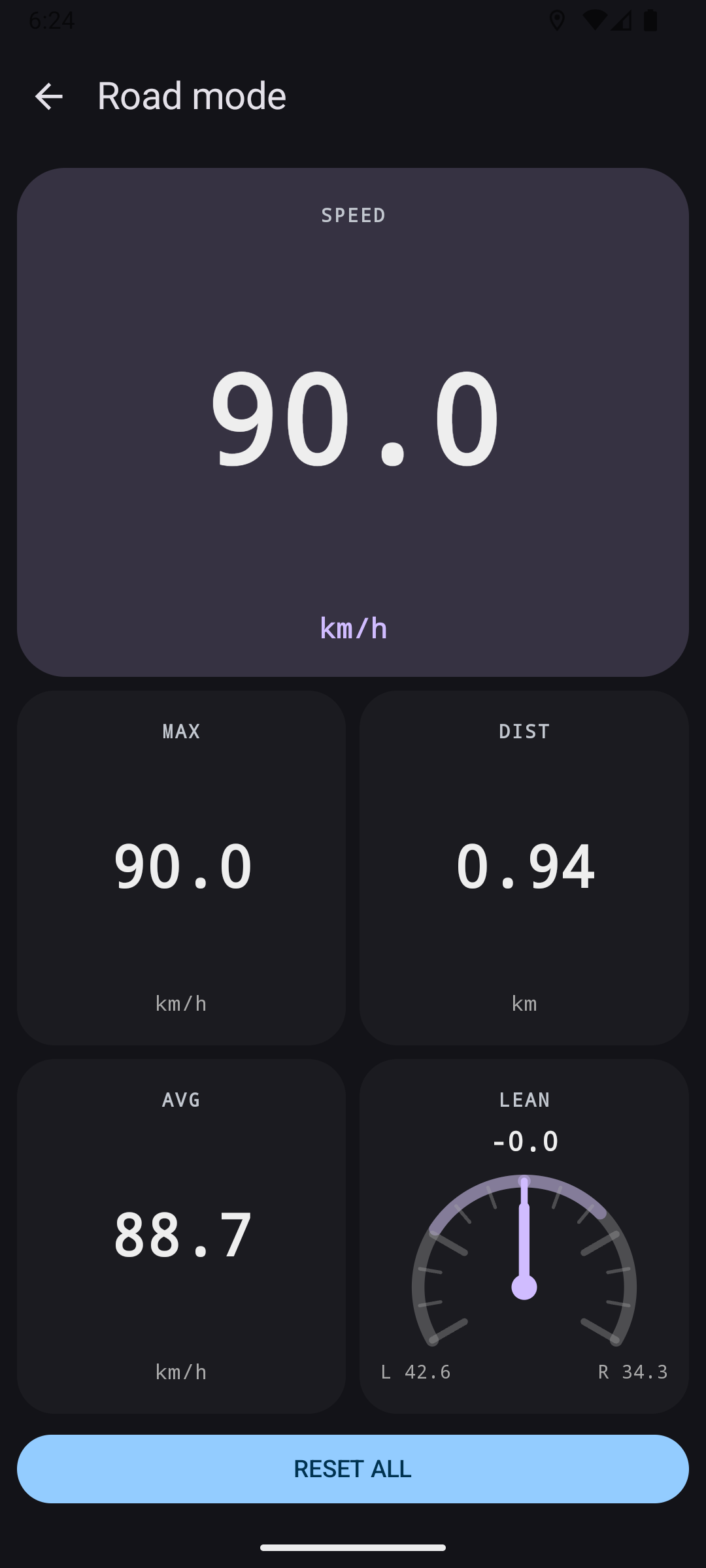
Speed, maximum, distance, average and lean in one live dashboard.
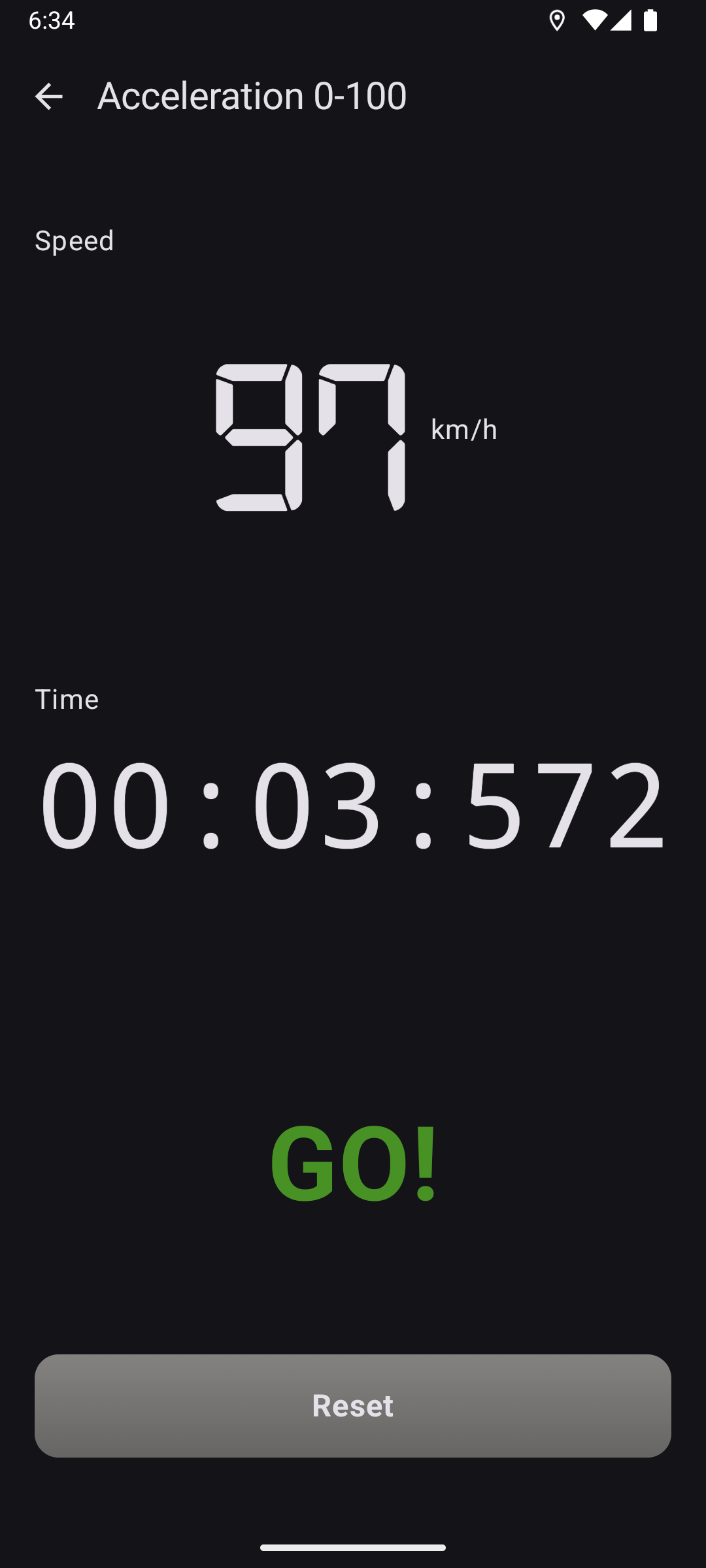
A focused timer for documenting an acceleration run.
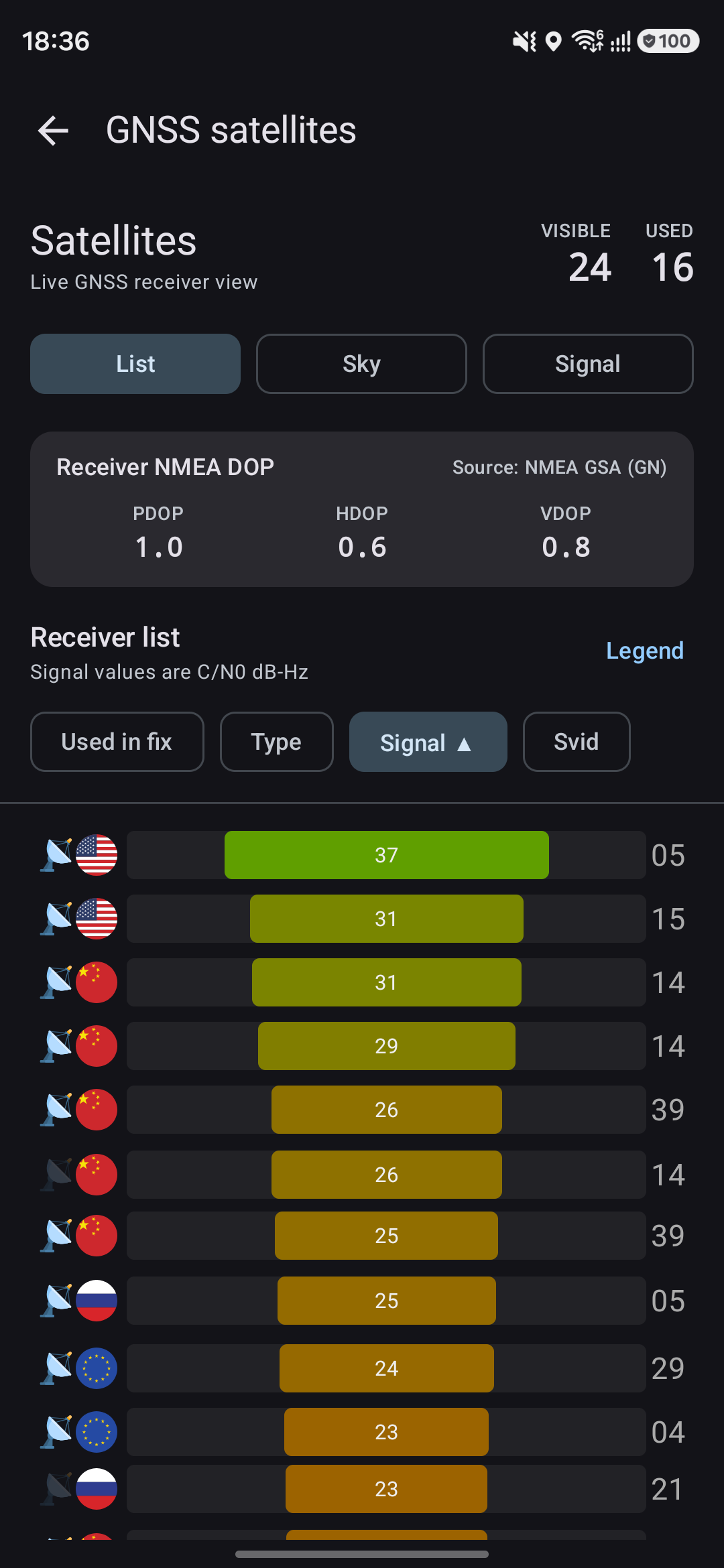
Inspect DOP values and every satellite contributing to a fix.
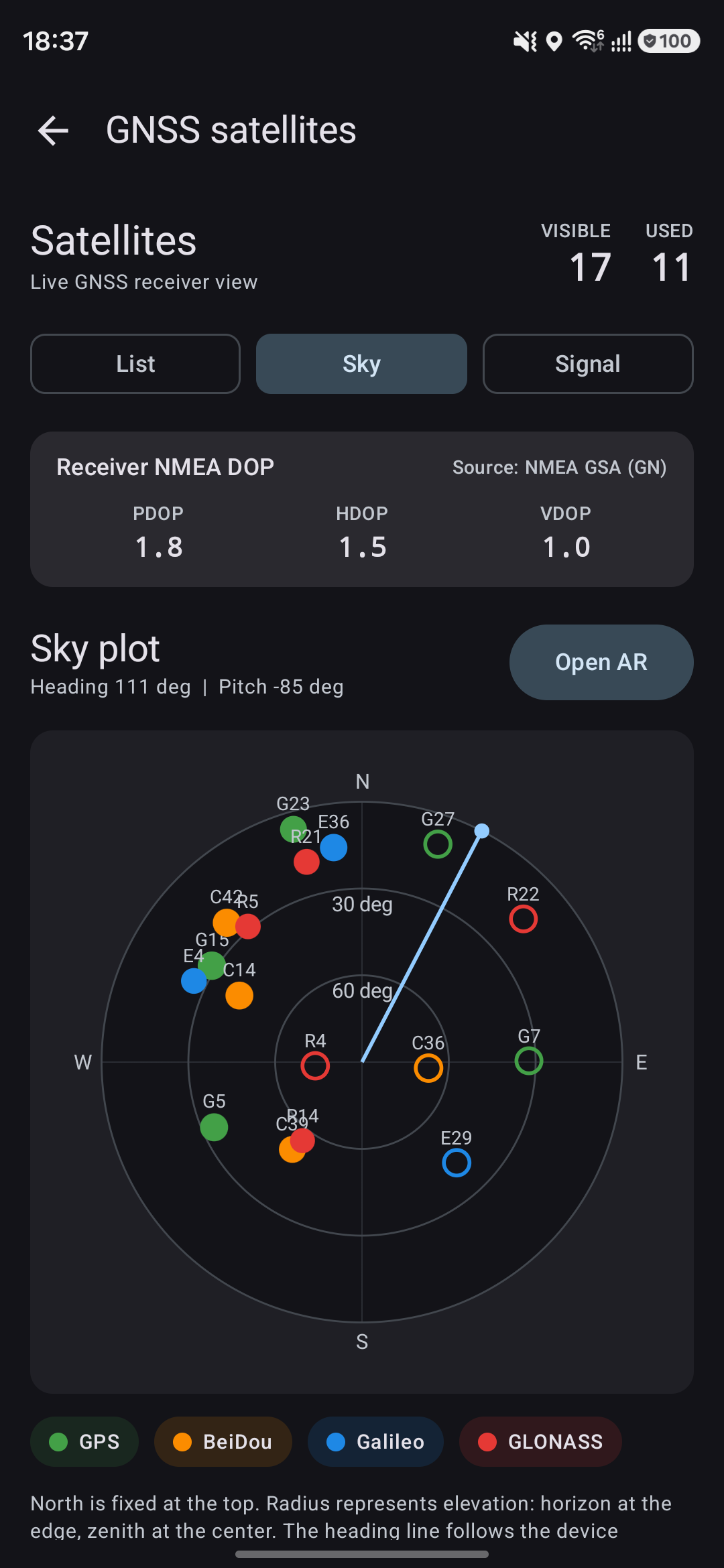
See satellite constellations in the sky and where your device is pointing.
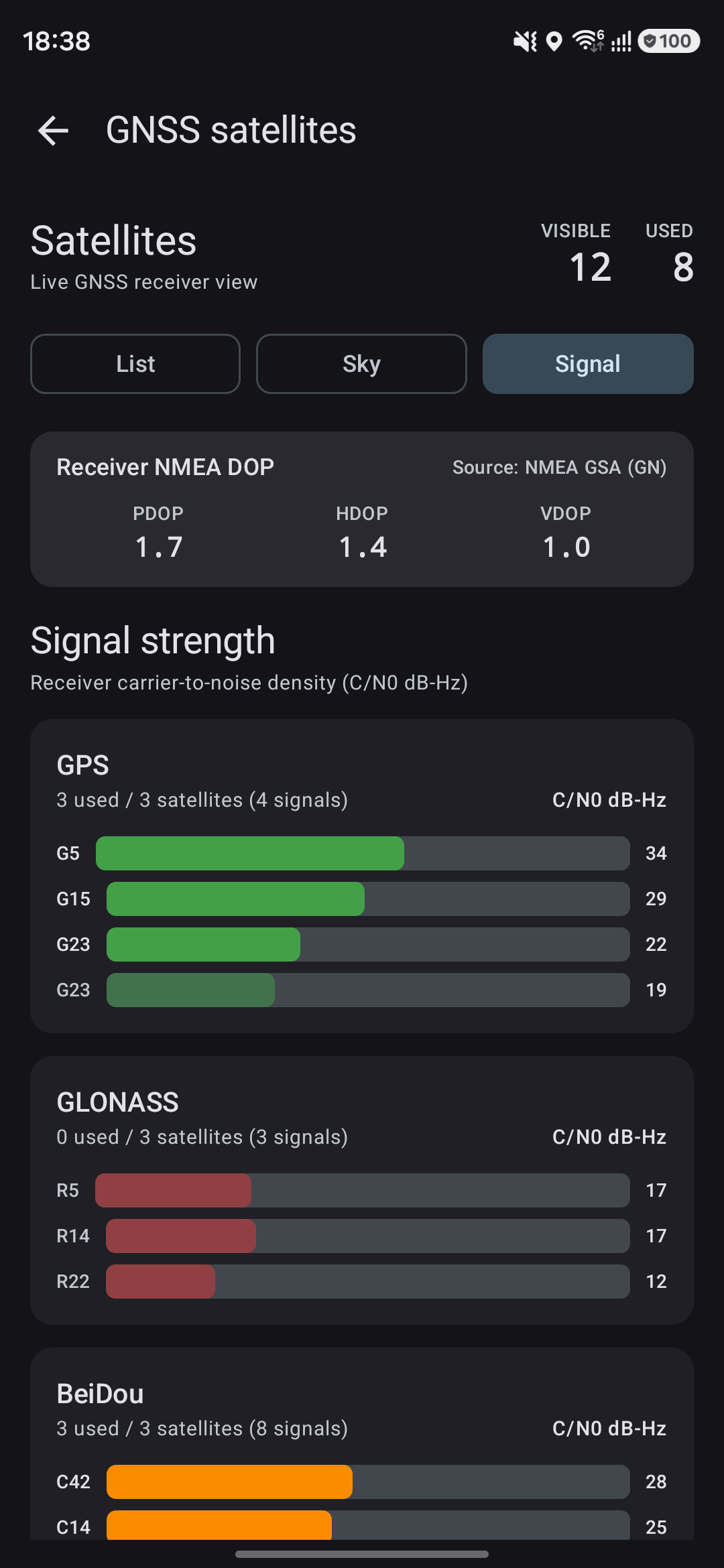
Compare carrier-to-noise readings across GPS, GLONASS and BeiDou.
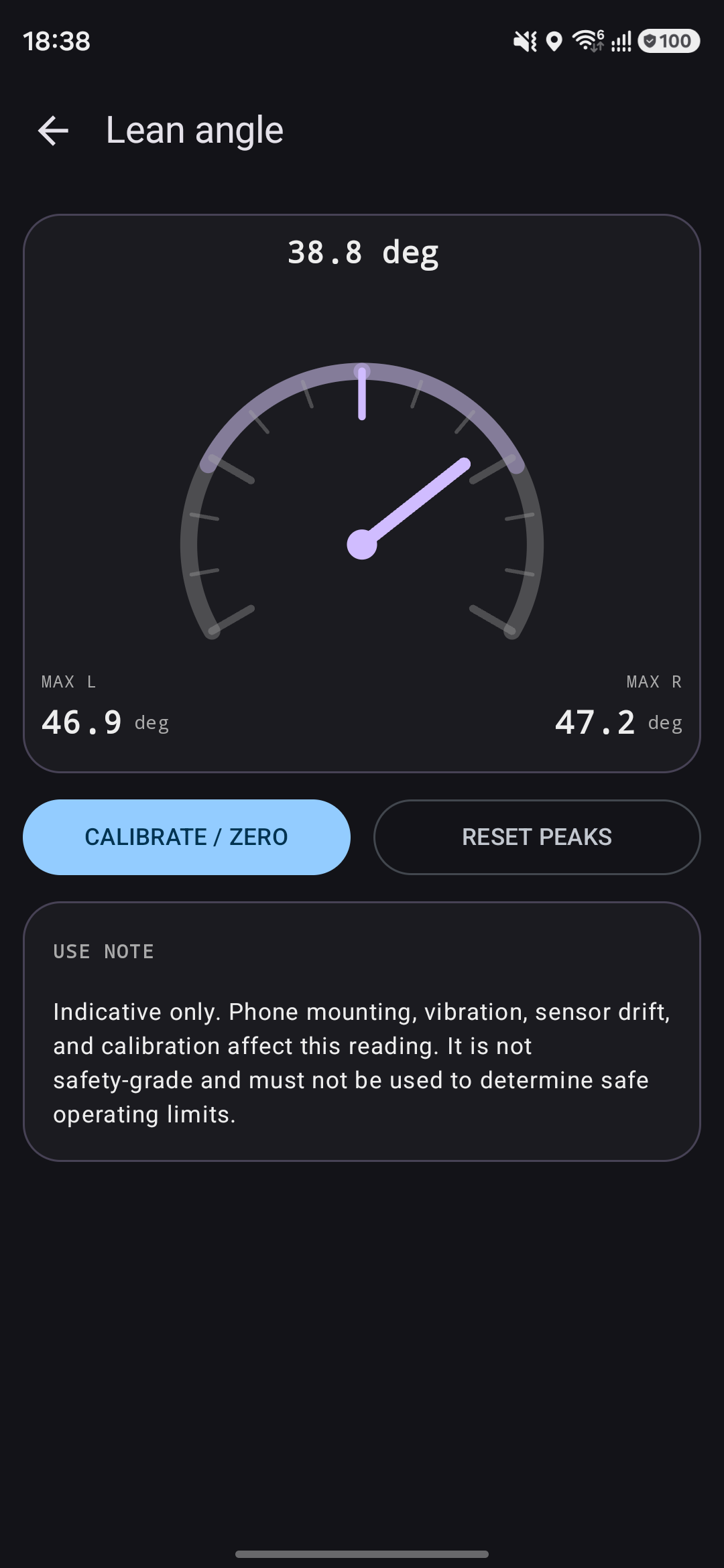
A clear view of live lean with left and right peaks.
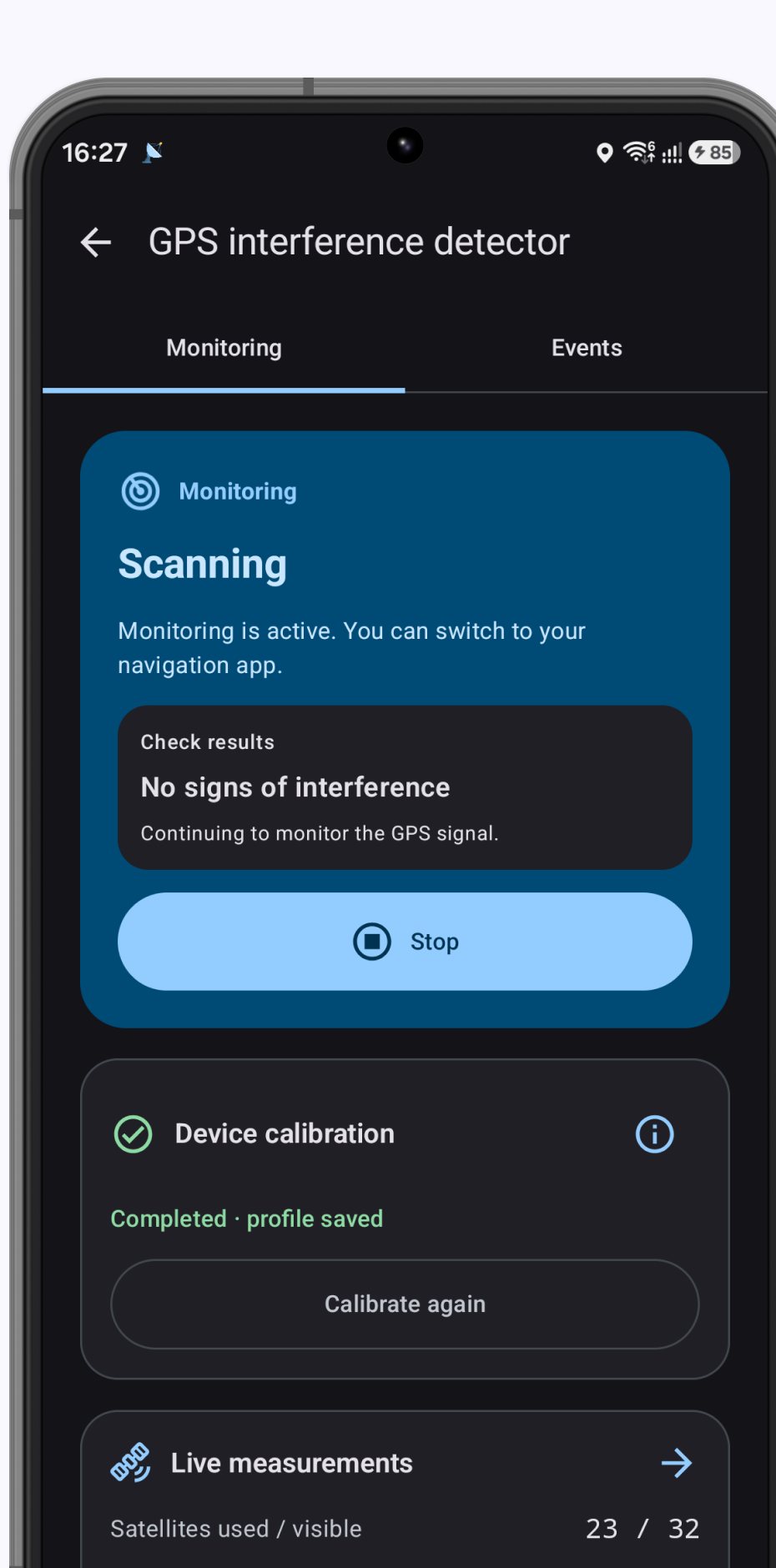
Monitor the signal in the background and review suspected interference events.
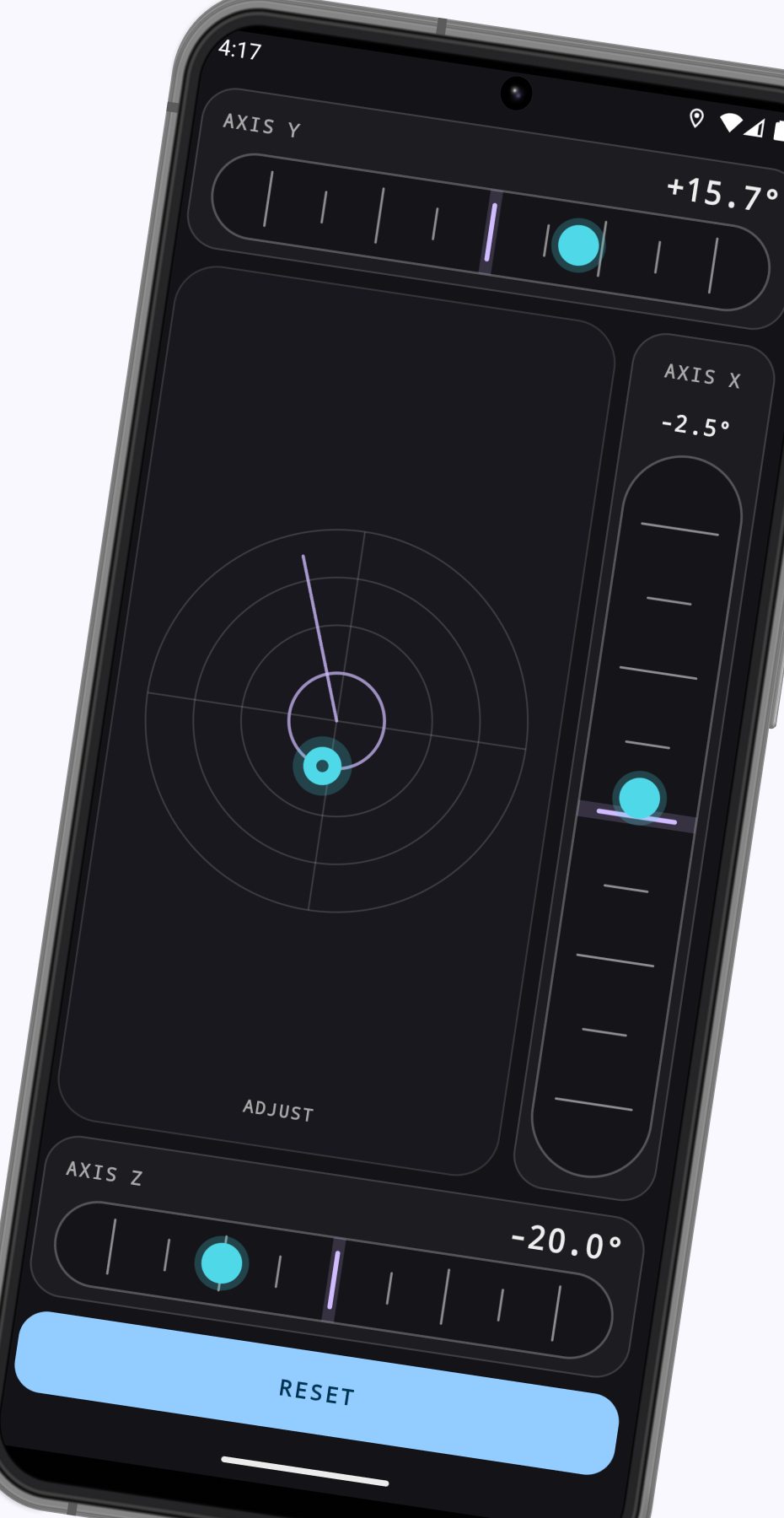
Set any position as zero and follow X, Y and Z angles in real time.
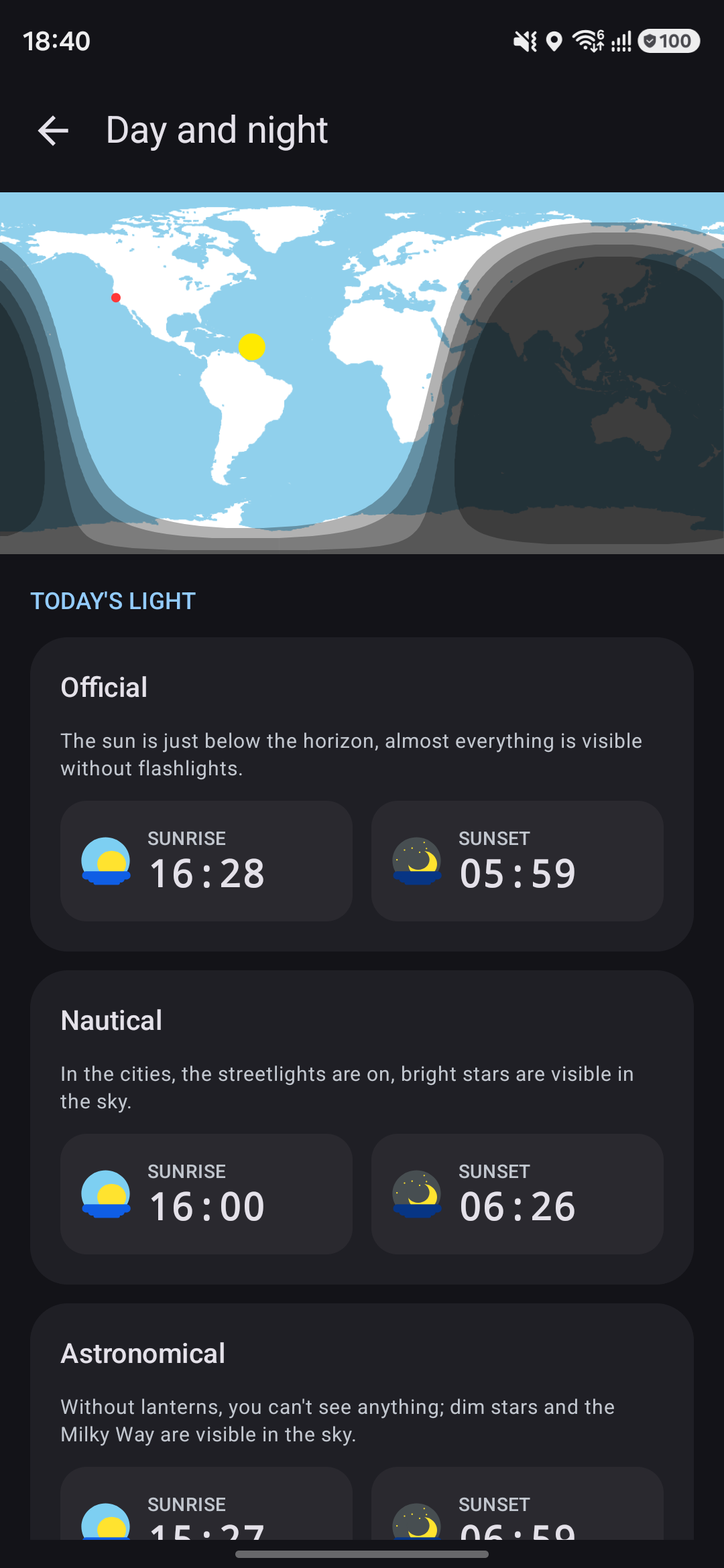
Follow official, nautical and astronomical light throughout the day.
Inspect visible satellites, DOP values, NMEA telemetry and individual signals. Run a stationary 60- or 180-second GPS Lab test, compare the result with a reference point, or keep the interference detector monitoring while another navigation app is open.
GPSCurator is made for people who like to understand where they are going — and how they are getting there.

GPSCurator for Android
Core GPS tools and GPX recording are free. A one-time PRO purchase unlocks custom dashboards, deeper track analysis, GPS Lab, comparisons and PDF/CSV reports.
Open Google Play